

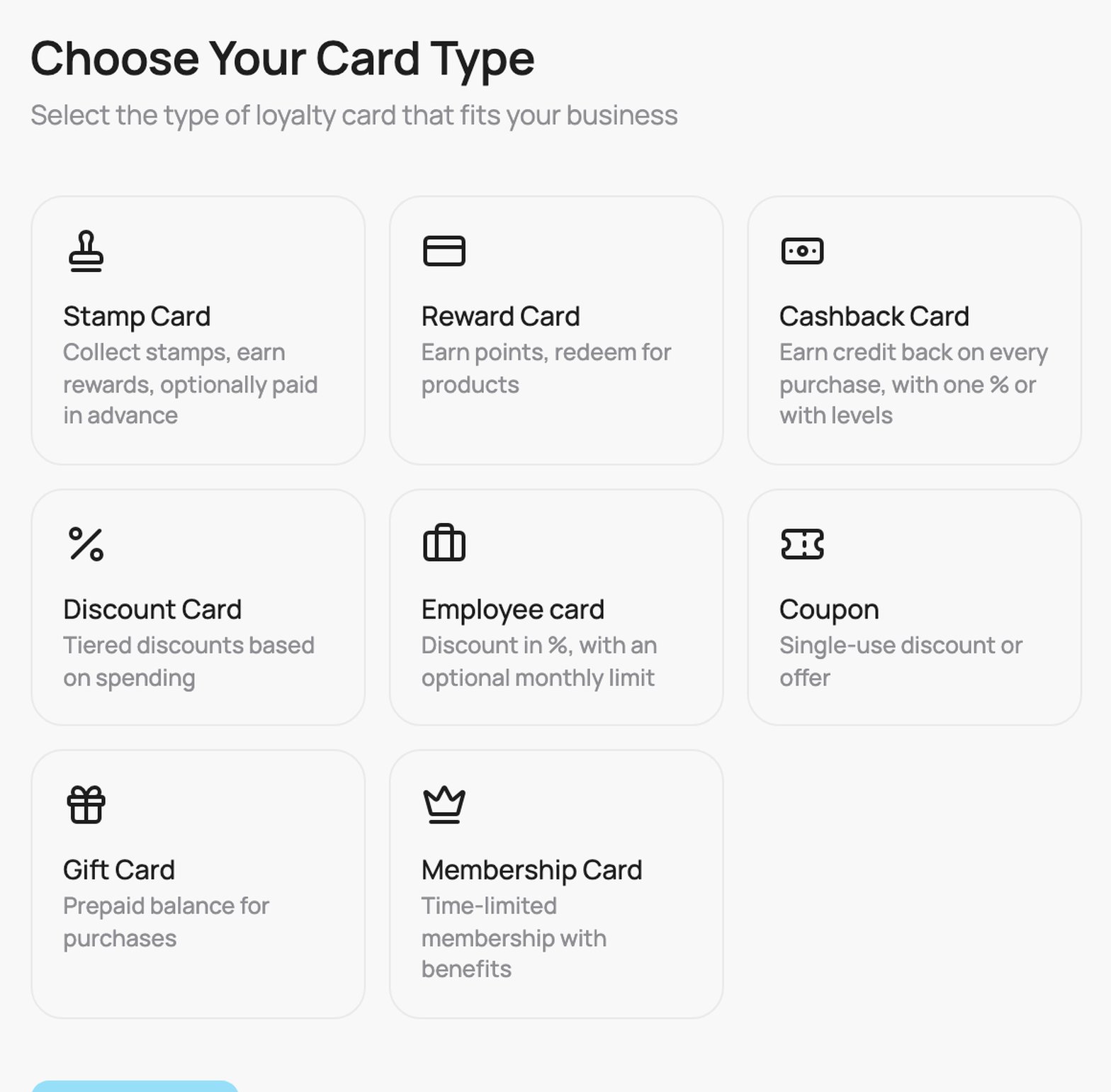
The Choose Your Card Type screen
How card creation works
A few things that apply to every card type:- Cards are created and edited on desktop. The card wizard and editor need a larger screen, so open them on a computer. On a phone you will be asked to switch to desktop.
- You get a live preview. As you set up the card in the middle of the screen, the panel on the right shows the card exactly as your customer will see it. Toggle Apple / Google to preview each wallet, and Front / Details to see both sides.
- The design is flexible. You can change a card’s look at any time after creating it. Updates apply to both existing cardholders and new ones, so the passes already in your customers’ wallets refresh automatically.
All card types at a glance
Some types support extra features and some do not. Every type except the Gift Card and the Employee card has a public signup form. Referral bonuses are available on Stamp, Reward, Cashback, and Discount cards only.
Choosing a type
- Want repeat visits with a simple “collect and earn” loop? Use a Stamp Card.
- Selling a prepaid bundle? Use a Stamp Card with Paid in advance switched on.
- Purchases vary in size and you want flexible rewards? Use a Reward or Cashback card.
- Want to give an automatic discount that grows with loyalty? Use a Discount Card.
- Running a one-off promotion? Use a Coupon.
- Selling time-based access? Use a Membership Card.
- Selling stored value? Use a Gift Card.
- Giving staff a discount or a monthly credit? Use an Employee card.
With VEXiON PRO you can run several card types at once (VEXiON ONE includes 1 card). Many businesses combine a Stamp or Reward card for everyday loyalty with a Gift Card for stored value.