

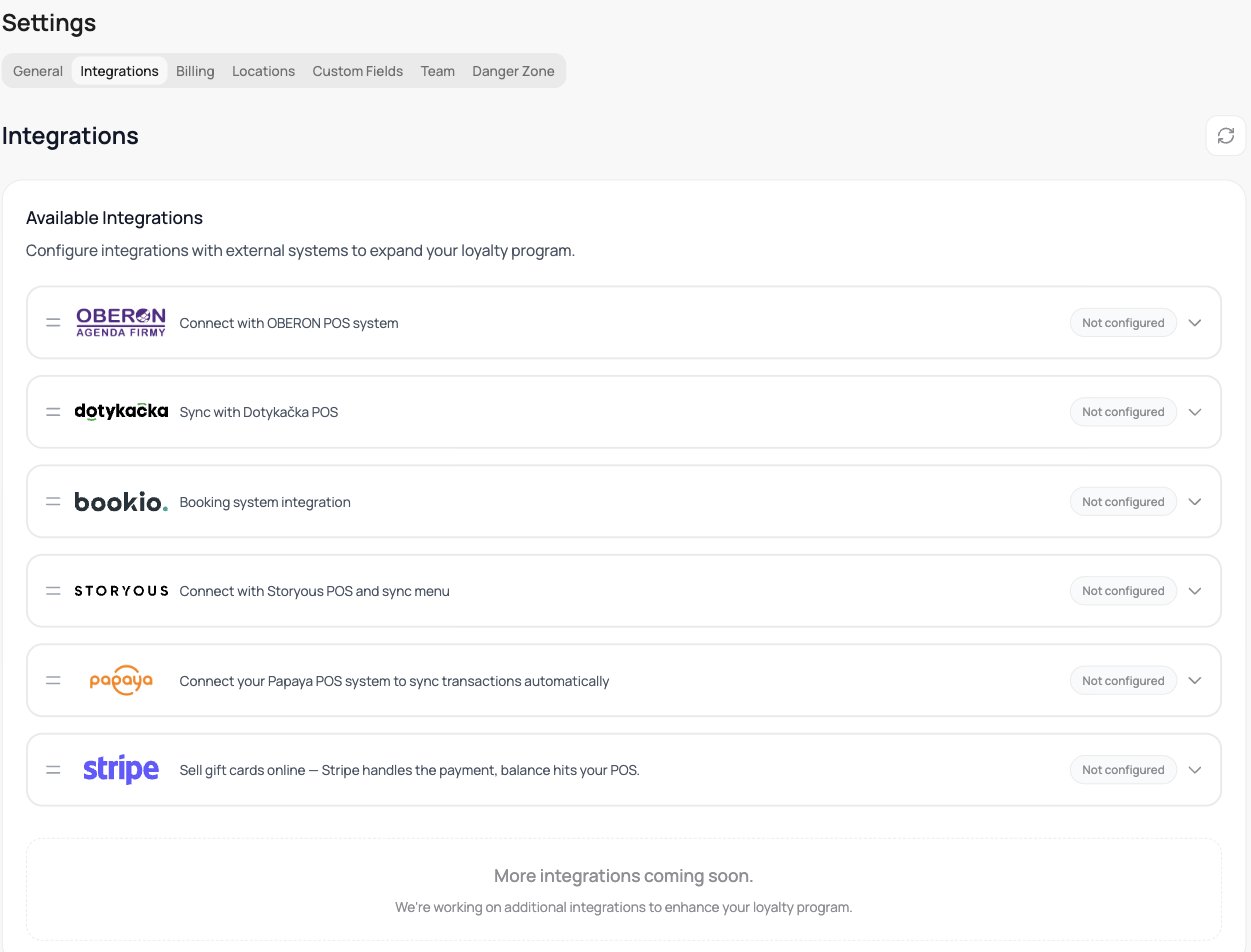
The Integrations tab
Available integrations
Integrations come in a few kinds. Each has its own guide.POS systems
Sync your sales so stamps, points, and discounts are handled at the till.
Dotykačka
Sync transactions and gift cards from Dotykačka. Full setup guide.

Storyous
Connect Storyous and sync your menu. Full setup guide.

Papaya
Sync transactions from Papaya, with automatic or manual redemption. Full setup guide.

OBERON
Connect Oberon and sync purchases at the till. Full setup guide.
Reservations
Show a customer’s upcoming appointment on their loyalty card.
Bookio
Show Bookio reservations on the card. How it works.
E-commerce
Run your loyalty program in your online store. The Shopify tile is shown to accounts where Shopify is enabled.
Shopify
Run your loyalty program on your Shopify store. Full setup guide.
Payments

Stripe Connect
Sell gift cards online, Stripe handles the payment. Setup guide.
POS integrations are part of VEXiON cards PRO. On the ONE plan the Integrations tab shows a PRO badge, and opening it shows an upgrade screen instead of the integrations. See Plans & pricing.