

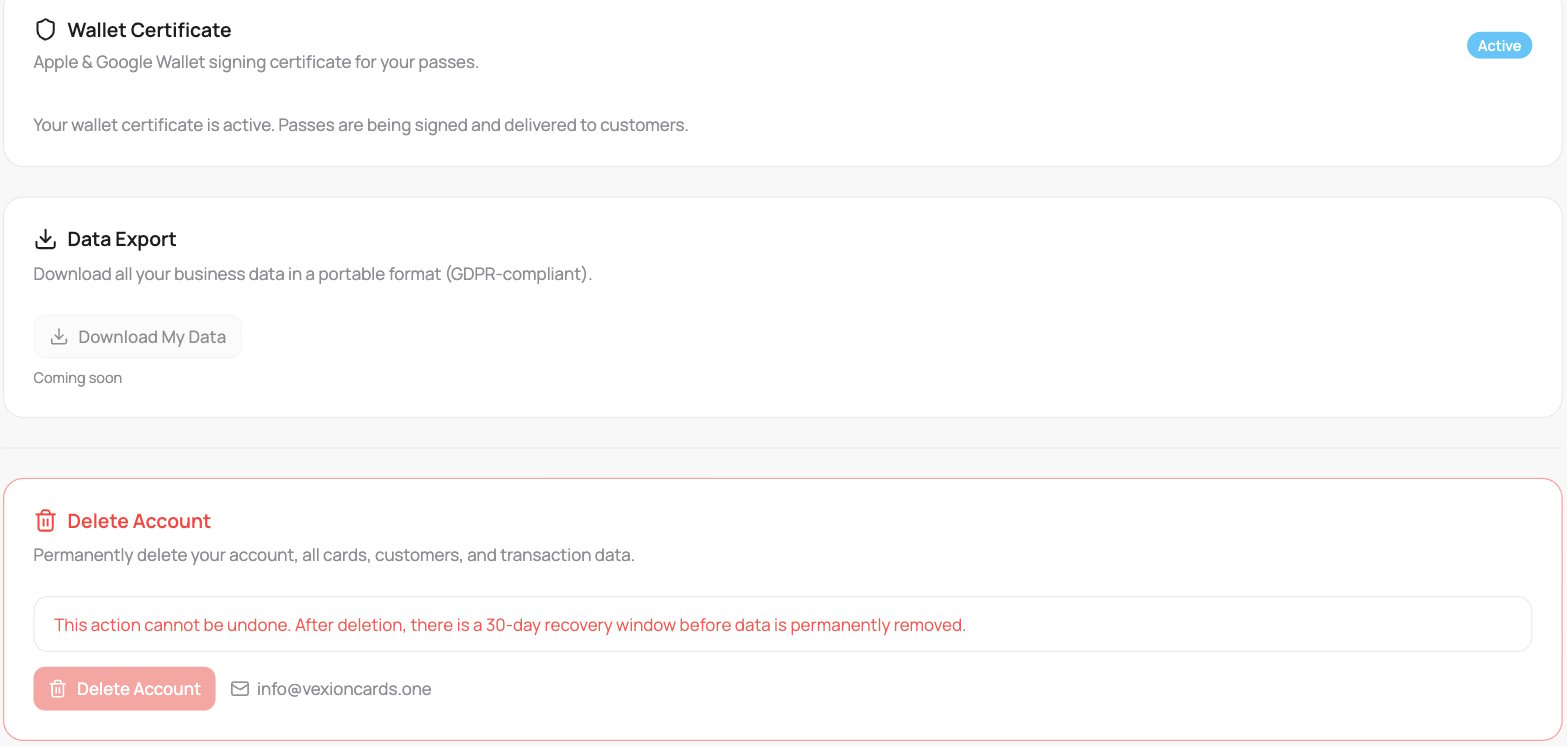
The Danger Zone tab
Wallet Certificate
Your Apple & Google Wallet signing certificate is what lets your passes be issued and updated on customers’ phones. When it shows Active, passes are being signed and delivered normally, there is nothing to do here. This section simply confirms your certificate’s status.Data Export
Download all your business data in a portable, GDPR-compliant format. This is still being rolled out, the Download My Data button is shown but disabled (“coming soon”). When it goes live, the button will produce the export.Delete Account
You cannot delete your account yourself in the app. To have your customer data removed, email info@vexioncards.one. The team records your request. After 30 days, the personal details of your customers (name, email, phone and other personal fields) are removed and cannot be restored. The customer entries stay as hidden anonymous records, and transaction history stays without any personal details. Customers who still hold a gift card balance are kept until the balance is used or the card expires. Until the 30 days pass, you can ask us to withdraw your request. When your account is deleted, VEXiON also removes its customers and its connection from your Dotykačka right away. Customers you created yourself in Dotykačka stay.If you only want to stop paying for a while, you do not need to delete anything, you can pause your account and keep all your data. See Pausing your account.