

Turning it on
It is a setting on the card. You set it when you create a card or by editing an existing one.1
Open the card's settings
From Passes, open the card and click Edit Card. You are on the Settings tab.
2
Turn on Card Issuance Limit
Switch on Card Issuance Limit (“Set a maximum number of cards that can be issued”).
3
Set the maximum
In Maximum cards, enter the highest number of this card you want to issue.
4
Save
Click Save. The limit is now enforced.
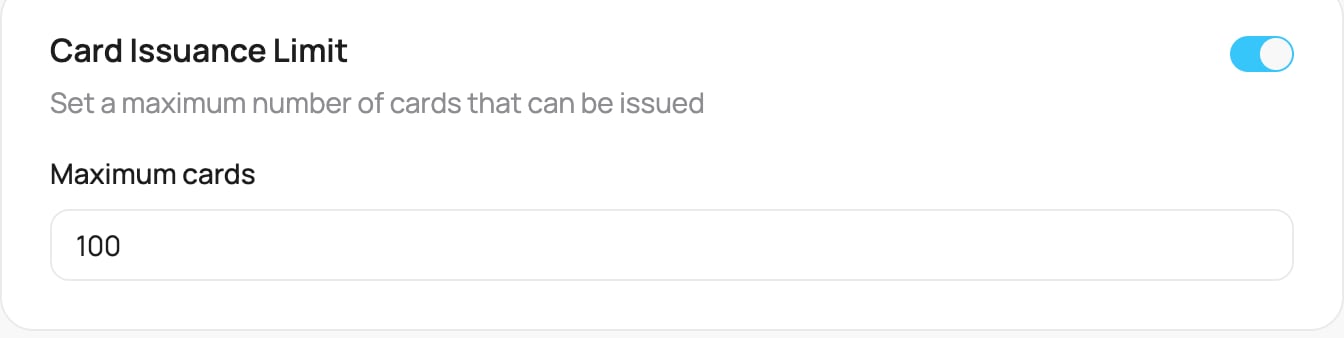
The Card Issuance Limit setting
What happens at the limit
Every new sign-up counts toward the maximum. When the limit is reached:- New customers who try to join see “Could not create card: Maximum number of issued cards reached” and cannot get the card.
- Customers who already have the card keep it and continue as normal.
Leave the limit off for an open-ended program you want as many customers as possible to join.