

Turning it on
The starting bonus is a setting on the card. You set it when you create a card or by editing an existing one.1
Open the card's settings
From Passes, open the card and click Edit Card. You are on the Settings tab.
2
Turn on Starting bonus
Switch on Starting bonus (“Give new customers a head start when they sign up.”).
3
Set the amount
Enter how many points (or, on a stamp card, how many stamps) each new customer starts with. On a discount card the question is How much spend to start with? and you answer in your currency, for example 100 €.On a cashback card the setting is called Starting credit. You answer “How much credit at the start?” in your currency, for example 2,00 € or 50 Kč. The new customer sees 2,00 € of credit on the card.
4
Save
Click Save. Every customer who joins from now on starts with that bonus.
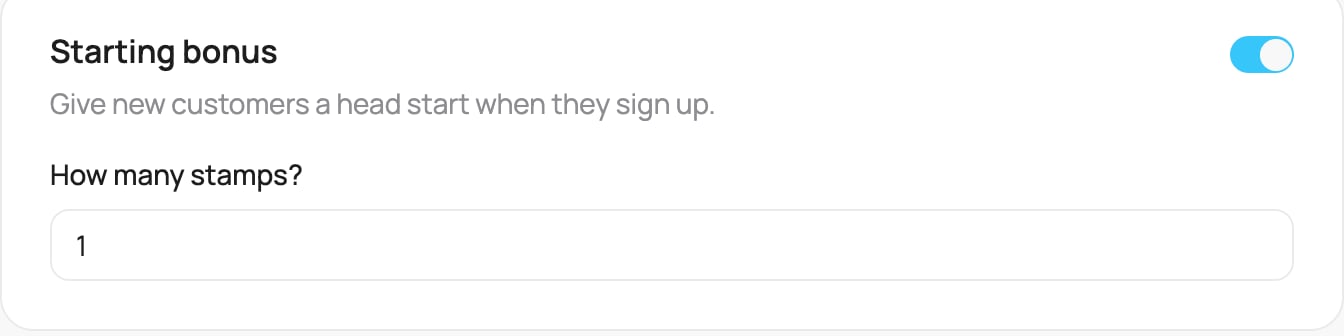
The Starting bonus setting on a card
When it is applied
The bonus is added at sign-up, so it is already on the card when the customer adds it to their wallet. They see it straight away as their opening balance.On a Discount card, the starting bonus counts toward the customer’s tier. If you set it high enough, a new customer can start in a higher discount tier right away.