

- With a monthly limit: how much of the limit is left, for example “35 / 100€”.
- With no limit: how much is left at the current discount, or No limit when the employee is on the last level.
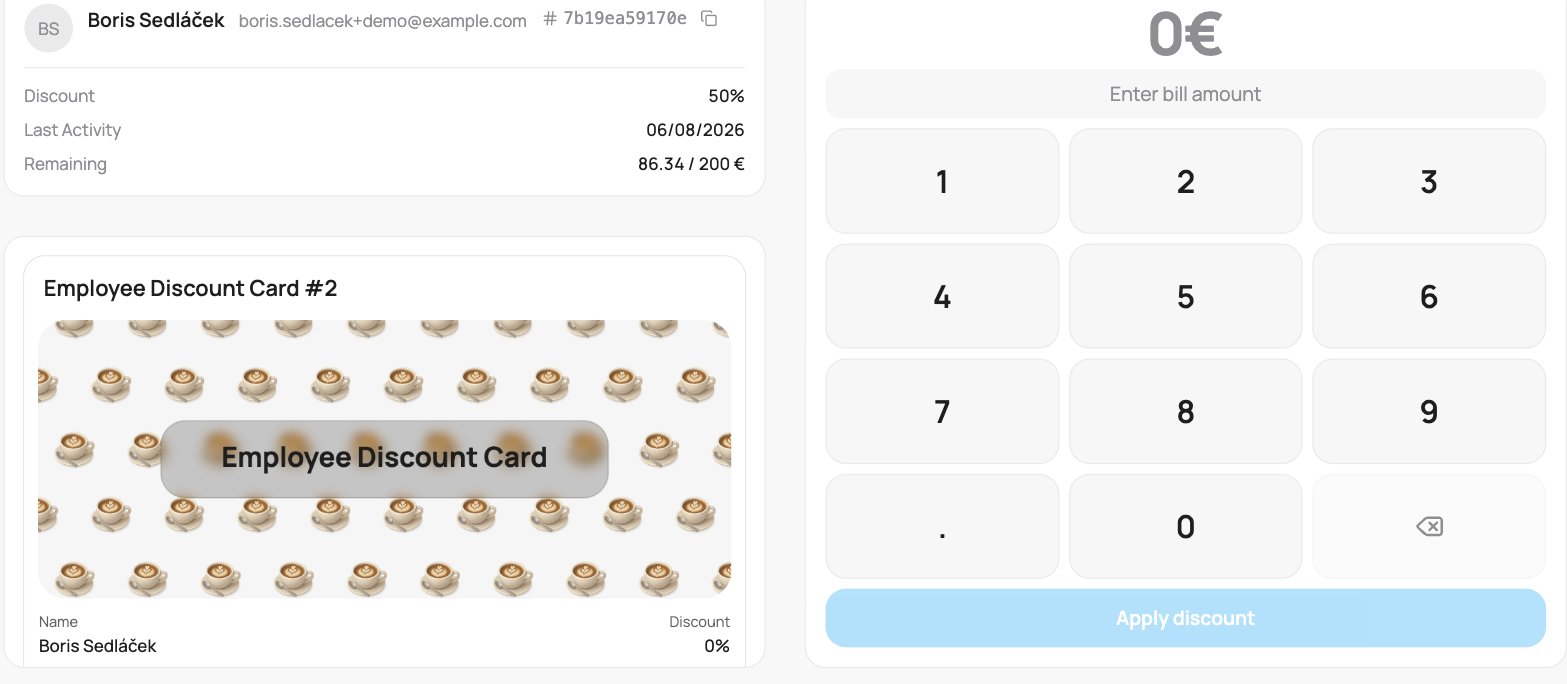
An employee card on the scanner
Apply a discount
Type the bill amount and tap Apply discount, exactly as on a standard discount card.With a monthly limit: once the employee has used it up, the panel shows 0% and Monthly limit reached, no discount. Applying then just records the purchase with no discount. Everything starts again on the card’s reset day each month.