

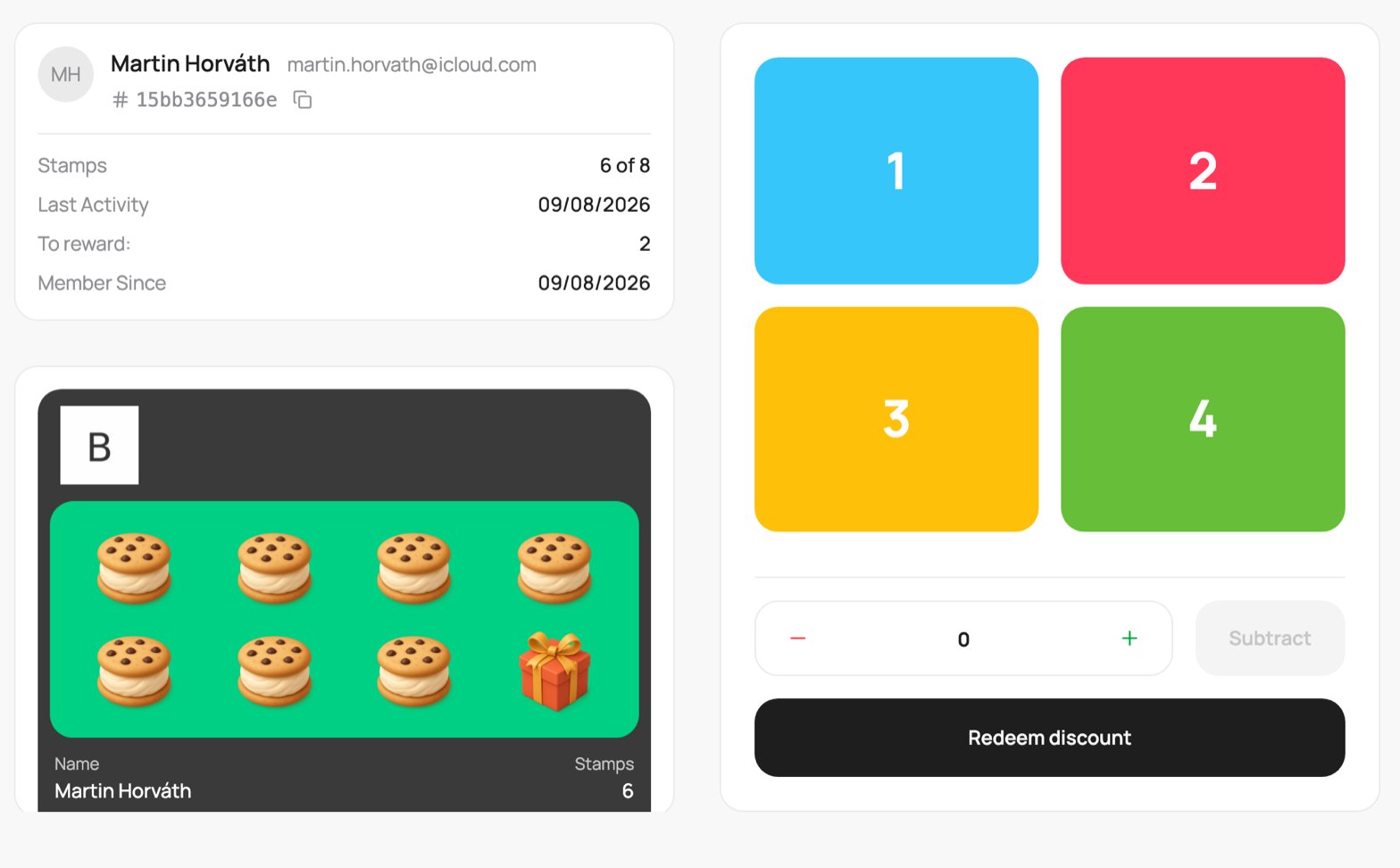
A stamp card on the scanner
Add stamps
Each purchase usually earns a stamp. Two ways to add them:- Quick buttons: four coloured tiles labelled 1, 2, 3, 4. Tap one to add that many stamps at once.
- Custom amount: use the - and + stepper to set any number, then tap Add.
Stamps are not capped at the size of the card. A customer can keep collecting past a full card (11, 12, and so on); the extra stamps carry over after they redeem.
Redeem the reward
Once the customer has collected enough stamps, the Redeem discount button becomes active. Tap it to give them the reward and reset the card for the next round.When redemption unlocks
The button turns on once the customer reaches halfway plus one stamp (and always at least 3). On a 10-stamp card that is 6 stamps. This lets you hand over the reward a little early if you want to, without waiting for a completely full card.What redeeming does to the balance
Redeeming always removes one full card’s worth of stamps (the number you set, say 10). What is left depends on how many the customer had:- Less than a full card (for example 6, 7, 8, or 9 on a 10-stamp card): the card is treated as complete and resets to 0. The partial stamps are used up for that reward, so redeeming early spends the whole card.
- A full card, or more (10, 11, 12…): exactly one card’s worth is removed and the rest carries over. So 10 becomes 0, and 11 becomes 1 (the customer keeps the extra stamp toward their next reward).
A stamp card paid in advance behaves differently at the till (you deduct instead of add). It has its own page. For the full mechanic, see the Stamp Card type page.